Download the vibe96 App
Free for Android
The vibe96 app puts slots, live casino, cricket betting and instant bKash/Nagad payments right on your phone. No browser needed — just download, install and play. Version 2.3.19, file size 45 MB, Android 8.0 and above. Free forever.
- SSL Secured
- 18+ Only
- 24/7 Live Chat
- bKash · Nagad · Rocket
Scan to download
vibe96 APK
App vs Web Browser — What's Different
Both options give you full access to vibe96, but the native Android app goes further on a few things that matter day-to-day for Bangladesh players — especially on a mid-range phone with a patchy mobile connection.
| Feature | vibe96 App | Web Browser |
|---|---|---|
| Loading Speed | Assets cached locally — pages open in under 2 seconds even on a slow connection. The app prefetches popular game data in the background. | Speed depends on your browser cache settings and mobile data quality. Can lag on crowded networks. |
| Push Notifications | Real-time alerts for deposit confirmations, bonus credits, match start times and withdrawal status. | Browser notifications work on some devices but are often blocked or delayed. |
| bKash / Nagad Payment | Deeplinks open your mobile banking app directly. One-tap confirm, no copy-pasting account numbers. | Works, but you switch tabs manually between browser and banking app. |
| Screen Orientation Lock | Landscape lock available for live casino tables and cricket scoreboards. Toggle inside Settings. | Relies on Android's global rotation — can flip unexpectedly during a live game. |
| Data Saving Mode | Low-data toggle reduces video stream quality for live games, cutting data use by roughly half. | No dedicated data-saving option; streams at full resolution by default. |
| Biometric Login | Fingerprint or face unlock supported on Android 8.0+. No need to type your password every session. | Depends on browser's password manager — not all Android browsers support it. |
| Home Screen Access | Single tap on the vibe96 icon — opens straight to your last visited section. | You can add a bookmark to the home screen, but it still opens inside the browser. |
| Offline Score Tracking | Live cricket and football scores continue updating in the background even when the app is minimised. | Scores only update when the browser tab is active and focused. |
| Auto-Update | The app checks for new versions on launch and prompts you with a one-tap in-app update — no manual APK re-download needed for minor updates. | Always runs the latest version automatically; no update action required from the user. |
Already have an account? Log in after installing to pick up right where you left off.
Install the vibe96 APK on Android — 5 Steps
Android blocks apps from outside the Play Store by default. You need to allow installs from unknown sources once. The process takes under three minutes on most phones.
-
1
Allow Unknown Sources
Open your phone's Settings → Security (or Privacy → Install Unknown Apps on Android 10+). Find your browser or file manager in the list and toggle Allow from this source to ON. This one-time setting lets Android install APK files you download manually. You can turn it off again after installation if you prefer.
-
2
Download the APK
Tap the Download APK button on this page or in the download section below. Your browser will save
vibe96.apk(45 MB) to your Downloads folder. The file is served over HTTPS directly from vibe96 — no third-party file host involved. Wait for the progress bar to reach 100% before proceeding. -
3
Open the File
Pull down your notification shade and tap vibe96.apk — Open, or navigate to your Downloads folder with any file manager and tap the file. Android will display a preview screen showing the app name, version (2.3.19) and the permissions it needs. Review these, then tap Install to proceed. Installation takes roughly 15–30 seconds.
-
4
Confirm & Launch
Once Android shows "App installed", tap Open or find the vibe96 icon on your home screen. The app will run a quick one-time setup (loading game data and verifying SSL certificates). This takes about 10 seconds on the first launch, then the app opens at the full speed described in the comparison table above.
-
5
Log In or Register
Use your existing vibe96 account to log in, or tap Create Account to register a new account from inside the app. If this is your first deposit, your welcome bonus of 205% up to ৳24,000 is applied automatically — just deposit ৳400 or more via bKash, Nagad or Rocket to activate it.
iOS Users — Add vibe96 to Your Home Screen
Apple does not allow third-party APK installs. The vibe96 mobile site is fully optimised for Safari on iPhone — here is how to get a near-native experience:
-
1
Open Safari and go to vibe96.lat
Use Safari specifically — Chrome on iOS does not support home screen shortcuts with the same reliability. Type vibe96.lat in the address bar and load the site.
-
2
Tap the Share icon (the box with an arrow)
This is at the bottom of the Safari browser bar on iPhone. On iPad it appears at the top right. Tap it to open the Share sheet.
-
3
Scroll down and tap "Add to Home Screen"
Name the shortcut "vibe96" and tap Add. The vibe96 icon will appear on your iPhone home screen and open the mobile site in full-screen mode without the browser bar.
-
4
Log in and play
Tap your new vibe96 home screen icon. Safari opens the site in standalone mode — no address bar, no tab bar. Log in with your credentials to access all games and your account.
Security & Permissions Explained
Android will list the permissions the vibe96 app requests at install time. Here is what each one is for and what it does not access.
Internet Access
Required to load games, process deposits and display live odds. The app connects exclusively to vibe96 servers over an encrypted HTTPS/TLS connection. No data is routed through third-party ad networks. Your account credentials are never stored in plain text on the device.
Biometric Hardware
Used only for the optional fingerprint or face-unlock login. The biometric data itself never leaves your device — the app receives only a pass/fail result from Android's secure enclave. You can disable biometric login at any time inside App Settings → Security without losing account access.
Push Notifications
Sends alerts for deposit credited, withdrawal processed and upcoming match start. Notification permission is optional — the app works fully without it. To adjust which alerts you receive, go to your phone's Settings → Apps → vibe96 → Notifications and toggle individual channels on or off.
No Camera, No Contacts, No Location
The vibe96 app does not request access to your camera, microphone, contacts, SMS inbox, call log or GPS location. If you submit KYC documents (National ID, Passport or Driving Licence), you upload photos via your existing gallery — the app does not open the camera directly. Full KYC review takes up to 2 hours.
What You Can Play Inside the App
The vibe96 app gives you access to all 4,600 games from providers including JDB, Playtech, PG Soft, Sexy Gaming and Red Tiger. Here are the six main sections you will find on the home screen.
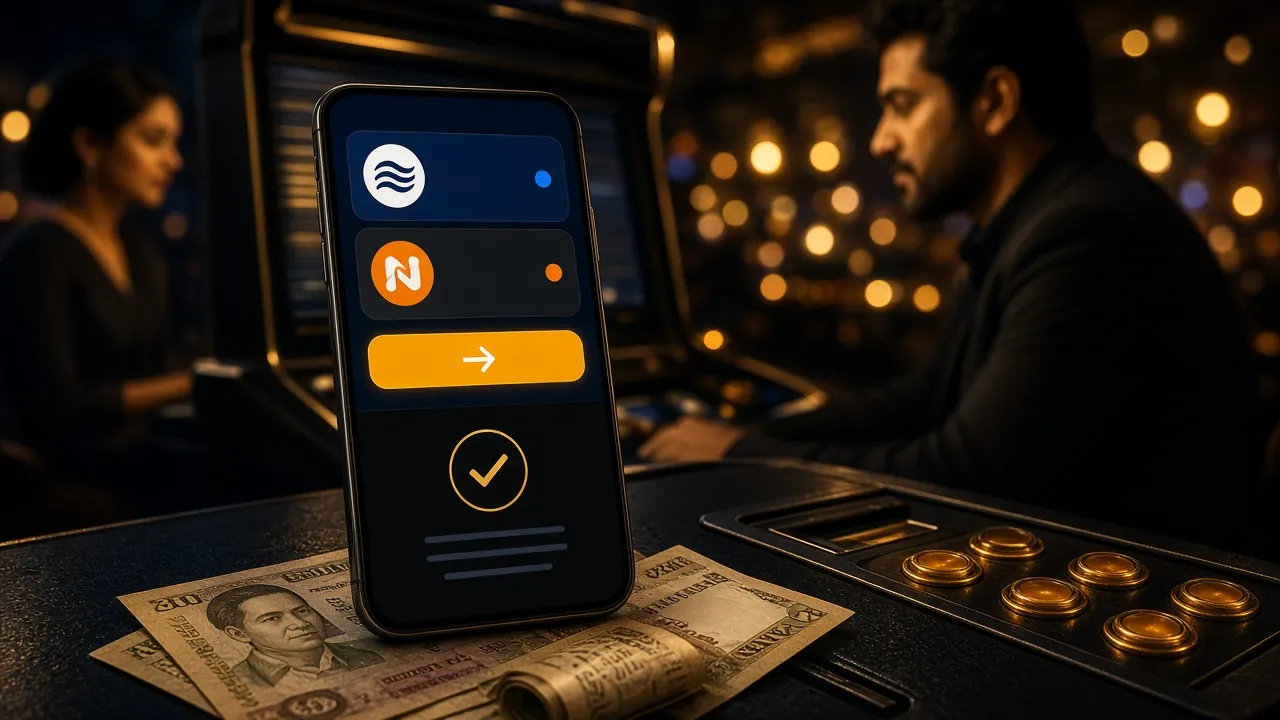
Live Dealer Tables
Play real-time Baccarat, Roulette, Andar Bahar and Teen Patti with live dealers streamed in HD. Sexy Gaming's live tables are especially popular with Bangladesh players — minimum bet starts at ৳2. Landscape mode in the app gives you a wider view of the table.

Slot Games
Over 2,000 slot titles from JDB, Playtech and PG Soft. Fan favourites include Hip Hop Panda (RTP 96.4%), Double Fortune (RTP 96.6%) and Diamond Tycoon (RTP 97.5%). Bet from ৳1 per spin — suitable for any budget. All RTPs are verified and displayed on each game's info screen.
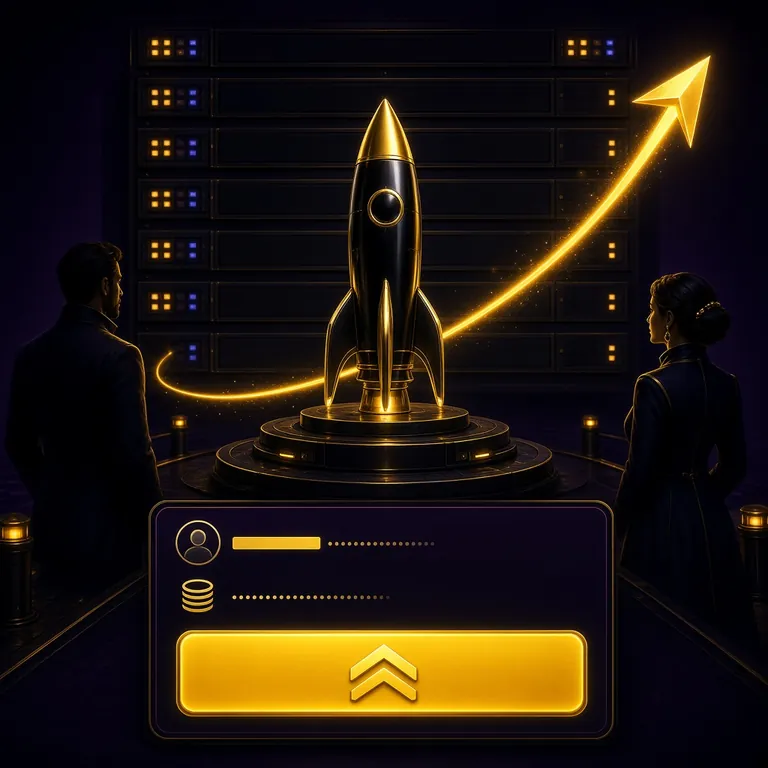
Cricket & Sports Betting
Bet on BPL, IPL, T20 and ODI matches with live in-play markets. The app pushes score updates even when minimised, so you never miss a wicket. Football, Kabaddi and other sports are covered too. See the full cricket betting guide for market tips.
Aviator & Crash Games
Fast multiplier games like Aviator, JetX and similar crash titles run smoothly on the app thanks to local asset caching. Cash out before the plane flies away to lock in your multiplier. These games update in real time and are popular for quick 5–10 minute sessions between other activities.
Card & Table Games
Pool Rummy, Callbreak Quick, 3-Hand Casino Hold'em and Andar Bahar are all accessible from the Card Games tab. Callbreak and Rummy have dedicated rooms with stake levels suited to both casual players (bet from ৳5) and high-volume players (up to ৳50,000 per hand). Rules and payouts are shown before each game.
Deposits & Withdrawals
Top up with bKash, Nagad, Rocket, Upay or Bank Transfer without leaving the app. Minimum deposit is ৳400 and funds arrive within 1 minute. Withdrawals (minimum ৳1,200) process in around 29 minutes. The app's payment screen deeplinks directly to your mobile banking app — no copy-pasting account numbers required.
Download vibe96 APK
vibe96.apk — Ready to Download
Official APK file served directly from vibe96 servers over HTTPS. No third-party store, no ads, no bloatware. Tap the button to save the file to your Downloads folder.
System Requirements & Version Details
The vibe96 app is designed to run on mainstream Android devices sold in Bangladesh — including entry-level handsets. The table below gives every spec you need before downloading.
| Parameter | Details |
|---|---|
| App Name | vibe96 — Casino & Sports Betting |
| Version | 2.3.19 (latest stable release) |
| File Name | vibe96.apk |
| File Size | 45 MB |
| Minimum Android | Android 8.0 (Oreo) — covers most devices sold in Bangladesh since 2018 |
| Recommended Android | Android 10 or later for best performance and biometric login |
| Last Updated | 10 November 2026 |
| Price | Free — no subscription, no hidden charges |
| Language Support | English, Bangla |
| iOS Support | No native app — use the mobile-optimised website on Safari and add to Home Screen (see step guide above) |
| Internet Required | Yes — mobile data or Wi-Fi; minimum 2G for sports, 4G recommended for live casino video streams |
| Storage Required | 45 MB install + up to 80 MB cache for game assets over time |
Common Installation Problems & Fixes
If the vibe96 APK does not install correctly, one of the five issues below is almost always the cause. Check the matching fix column before contacting support.
| Problem | Likely Cause | Fix |
|---|---|---|
| "Install blocked" message | Android's "Unknown Sources" permission has not been enabled for the app you used to download the file (browser or file manager). | Go to Settings → Security → Install Unknown Apps. Find your browser in the list and toggle Allow from this source to ON. Then tap the APK file again to retry installation. |
| Download stops at 0% | Your mobile data connection dropped or the browser timed out before the 45 MB download completed. | Switch to Wi-Fi if available, or move to an area with a stronger signal. Clear the incomplete file from your Downloads folder, then tap the Download APK button again from the top of this page. |
| "App not installed" error after tapping Install | Commonly caused by an older version of the vibe96 app already on the device conflicting with the new APK, or insufficient storage space. | Uninstall any previous vibe96 app from Settings → Apps first. Free up at least 130 MB of storage (45 MB APK + room for cache). Then reinstall the freshly downloaded APK. |
| App crashes on first launch | Device is running Android 7.1 or lower, which is below the minimum supported version (Android 8.0). Some heavily modified Android skins can also cause issues. | Check your Android version in Settings → About Phone. If it is below 8.0, use the mobile website at vibe96.lat in your browser instead. If your version is 8.0+, restart your phone and try launching the app again. |
| Games load but go blank / black screen | WebGL acceleration is disabled on your device, or your phone's browser WebView component is outdated — the app uses it to render game canvases. | Update Android WebView: open Google Play Store, search "Android System WebView" and tap Update. If Play Store is not available, go to Settings → Apps → Android System WebView → Update. Restart the vibe96 app after updating. |
Still stuck? The vibe96 24/7 Live Chat team can walk you through installation in real time. Tap the chat icon inside the app or on the website.
vibe96 APP — DOWNLOAD & EXPLORE
-
Opens in under 2 seconds
Game assets cache locally so the app loads fast even on a slow Grameenphone or Robi connection. No browser lag.
-
One-tap bKash & Nagad payments
Deeplinks open your mobile banking app directly. Deposit in under a minute without copying account numbers.
-
Real-time push notifications
Get alerts the moment a deposit lands, a bonus is credited, or your cricket bet settles. Never miss a live match start.
-
SSL-secured, 45 MB, free forever
Version 2.3.19 · Android 8.0+ · File size 45 MB. No hidden fees, no subscription. Download once, play anywhere.
Scan with your phone camera
to download the APK directly
Questions About the vibe96 App
Is the vibe96 APK safe to install?
Why does Android say "Install blocked" when I tap the APK?
How do I update the vibe96 app to the latest version?
Does the vibe96 app work on iPhone or iPad?
What happens to my account if I uninstall the app?
Can I use bKash and Nagad to deposit directly inside the app?
The app installed but games are showing a black screen — how do I fix it?
Need Help?
The vibe96 support team is online around the clock. If your installation question is not answered above, start a live chat and get a response in under 2 minutes.
Chat Now24/7 Live Chat · Average wait <2 min
Related pages:
Got the app installed? The next step is to create your account and claim the 205% welcome bonus up to ৳24,000 on your first deposit via bKash or Nagad.